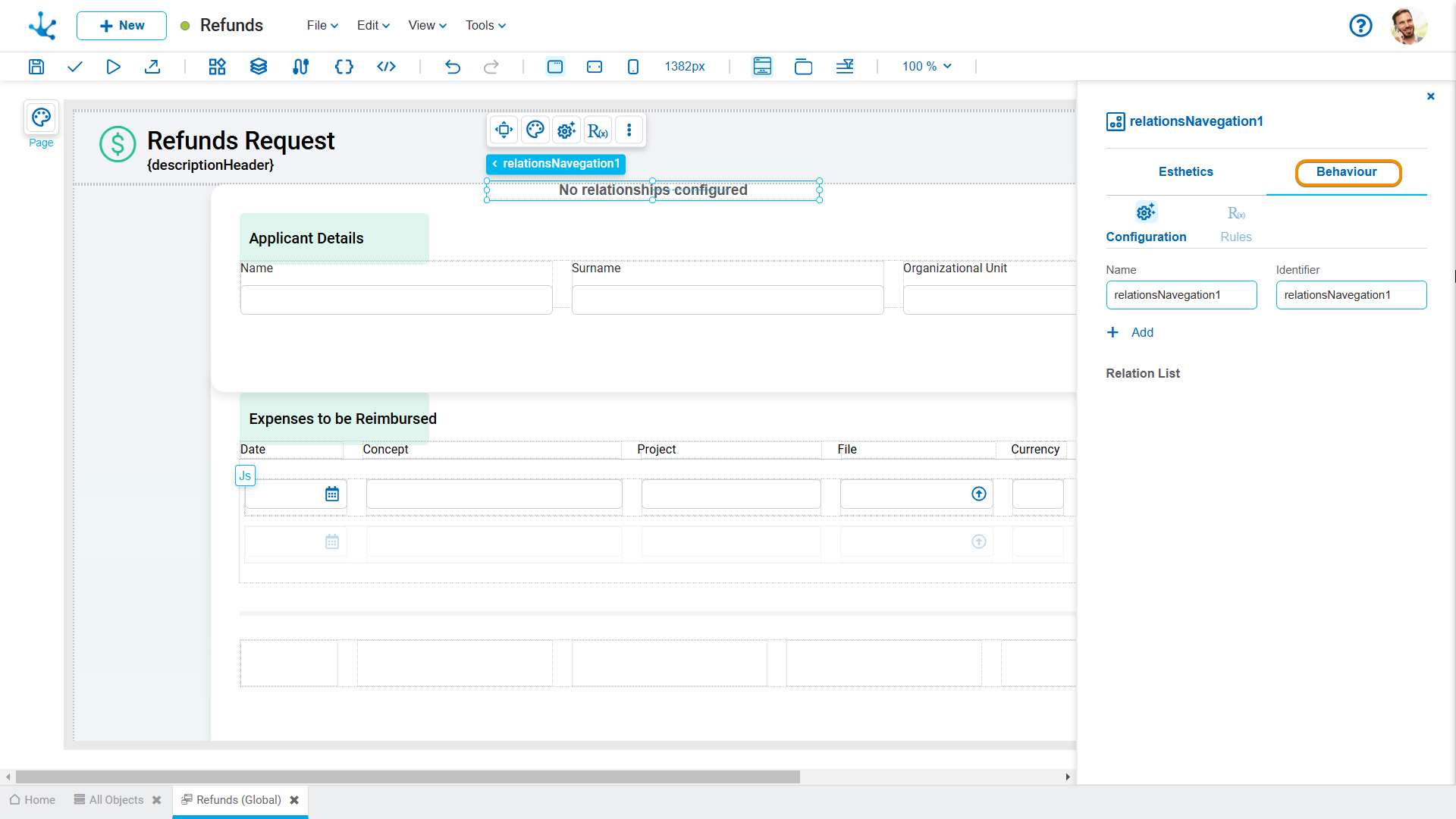

Relation Navigation


Allows modeling of how navigation references between related instances are displayed and behave.
When a relation navigation element is created in the modeling area, a navigation menu is added, allowing the links to be configured.
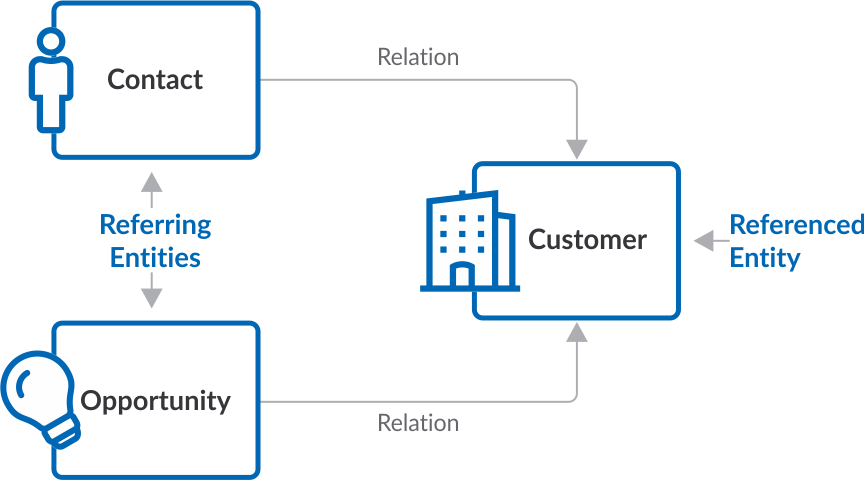
Relation navigation allows access to be defined from an instance of an entity to other related entities or elements.
This element facilitates showing related information without having to leave the context of the current instance. This allows users to quickly access, at execution, objects related to an instance, such as other business entity instances or functionalities provided by Deyel.
Objective
Relation navigation is designed to simplify navigation between related objects by providing contextual access from an entity instance.
For example, a business entity instance can provide access to:
•Related entities
•Associated cases
•Attached files
•Emails
•Related information
•Other objects enabled by Deyel
Functionality
The element is incorporated within the modeling area of an entity and allows modeling the navigation options available for each instance.
In execution when showing an instance, relation navigation displays the defined links and allows navigation to related objects. The available options are determined based on the context of the instance and the configured relations.
Navigation can be directed to both business entities and elements provided by Deyel, among them:
•Cases: Cases associated with the entity instance.
•Attachments: Files associated with the entity instance.
•Emails: Emails generated from the entity instance.
•Information: Information on the activity in progress
Relation with the Menu Element
Relation navigation is based on the element Menu. However, it incorporates a standard parameterization that limits and directs its use exclusively to navigation between allowed objects.
Unlike a general menu, this element:
•Is associated with the context of an entity.
•Is displayed from a specific instance.
•Enables access only to related or enabled objects.
•Restricts the available options to navigation functionalities.
•Avoids configuring actions that do not correspond to the show of related information.
This preserves the visual and functional flexibility of the Menu element while adapting its behavior to a specific contextual navigation scenario.
Benefits
Relation navigation allows users to:
•Centralize access to information related to an instance.
•Improve the user's information retrieval experience.
•Reduce the number of steps required to access related objects.
•Maintain the work context while browsing.
•Bring business information and Deyel objects together in a single location.
•Avoid creating general menus to resolve specific navigation needs.
•Standardize the way in which available relations are presented.
Classification of Properties
Properties are divided into two groups: esthetic properties and behavior properties.
Esthetic Properties
In the esthetic properties panel, the following are grouped:
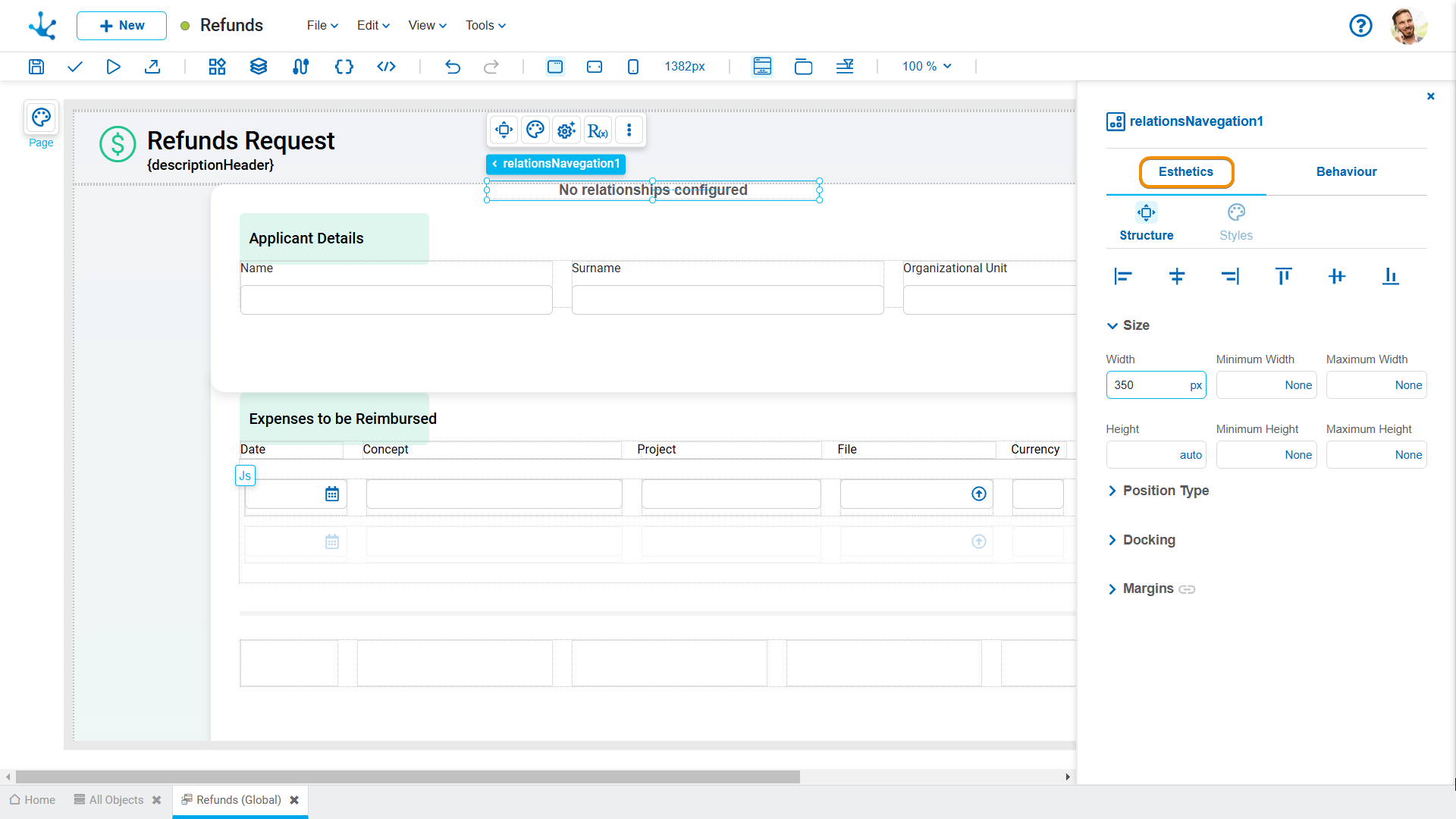
Behavior Properties
In the behavior properties panel, the following are grouped: