

Task


A standard activity or task is an indivisible work unit performed as part of the execution of a process.
Types
The BPMN 2.0 notation (Business Process Model and Notation) allows to typify standard activities or tasks in such a way that the graphic element used indicates the task type it represents.
The task type definition is made in different ways:
•From the task context menu, selecting the option "Task type".
•From the task property panel.
|
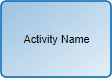
Undefined Task Task without type. |
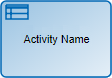
|
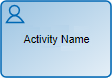
User Task Task that needs human intervention to be performed. When an activity modeled as a user task must be executed, it is informed to the participants of the process in My Tasks, in the top toolbar It is recommended to use this notation to model all the activities in which the user has to create, modify or show an entity or a page. |
|
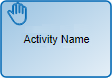
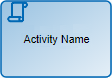
Manual Task Represents a task to be performed by the user without any application support. Only moves on to the next activity. |
|
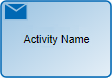
Send Task It is used to send a message to an external participant regarding the process. When the message has been sent, the task ends. |
|
Represents a call to an advanced rule, being able to exchange parameters between the task and the rule. They do not define user participation.
|
|
Script Task This task type only performs automatic actions. They do not define user participation. |
|
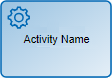
Service Task Represents the execution of a service, automatically and without user intervention, which is carried out through the adapters. This notation is recommended to model the use of a web service, an automated software component or an integration rule. They do not define user participation. |
Pie Chart Menu
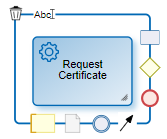
|
Deletes the task. |
|
Opens an area to edit the name. |
|
Opens the properties panel. |
|
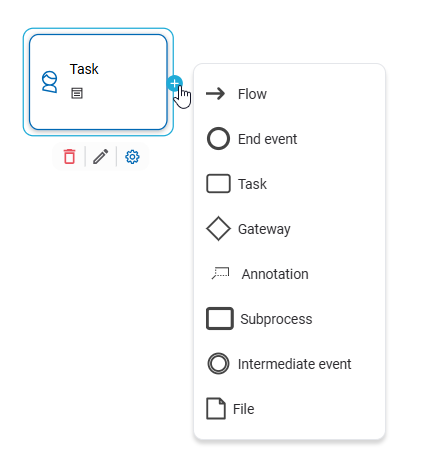
Displays the list of graphic elements available to add. |

When interacting with the icon  , a panel is displayed that allows you to quickly select and add the next element to the process.
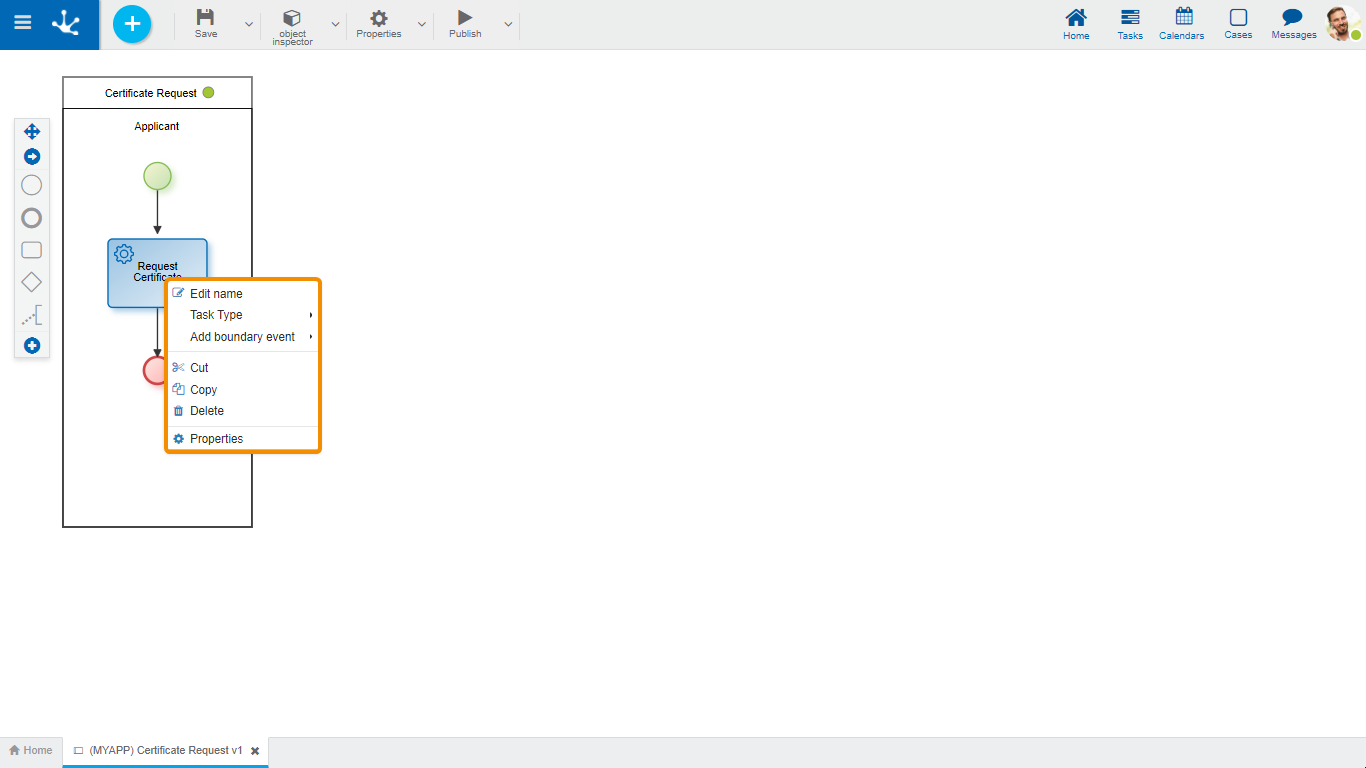
- Edit name: Edits the name inside the rectangle that represents the activity. Same functionality as the icon  .
.
- Task type: Allows you to select the task type from a drop-down list.
- Add border event: Allows to incorporate an border event from a drop-down list.
- Cut: Deletes the selected task. It can be pasted in another process location.
- Copy: Copies the selected task. It can be pasted in another process location.
- Delete: Deletes the selected task. Same functionality as the icon  .
.
- Properties: Opens the property panel to show or modify.