

Parameters


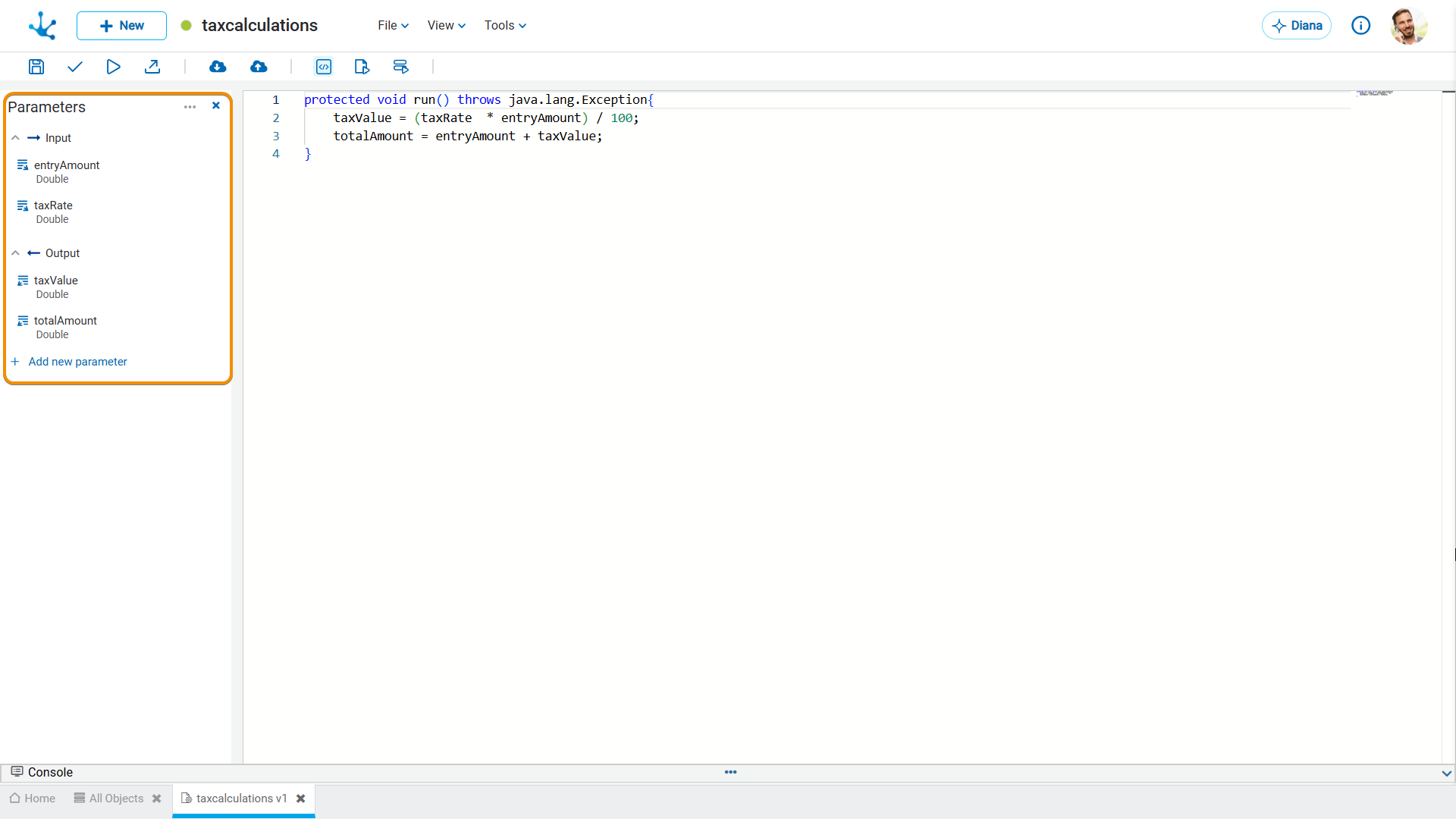
This view defines the input and output parameters for the rule, organized in a hierarchical tree-like structure. Each group can expand or collapsed, making navigation and understanding of the information easier.
These parameters are the means of communication between the rules and the processes that use them.
If the rule has enabled the property Enable Relation to a Field, some parameters are automatically generated to ensure correct implementation.
Parameters can be configured in any advanced rule except those of the forms extension type.
Parameter View
By placing the mouse over each parameter, the following operations are enabled:
 Allows modifying an existing parameter.
 Allows deleting a parameter.
Allows Creating a Parameter
 It allows adding a new parameter to the view by filling in all its values.
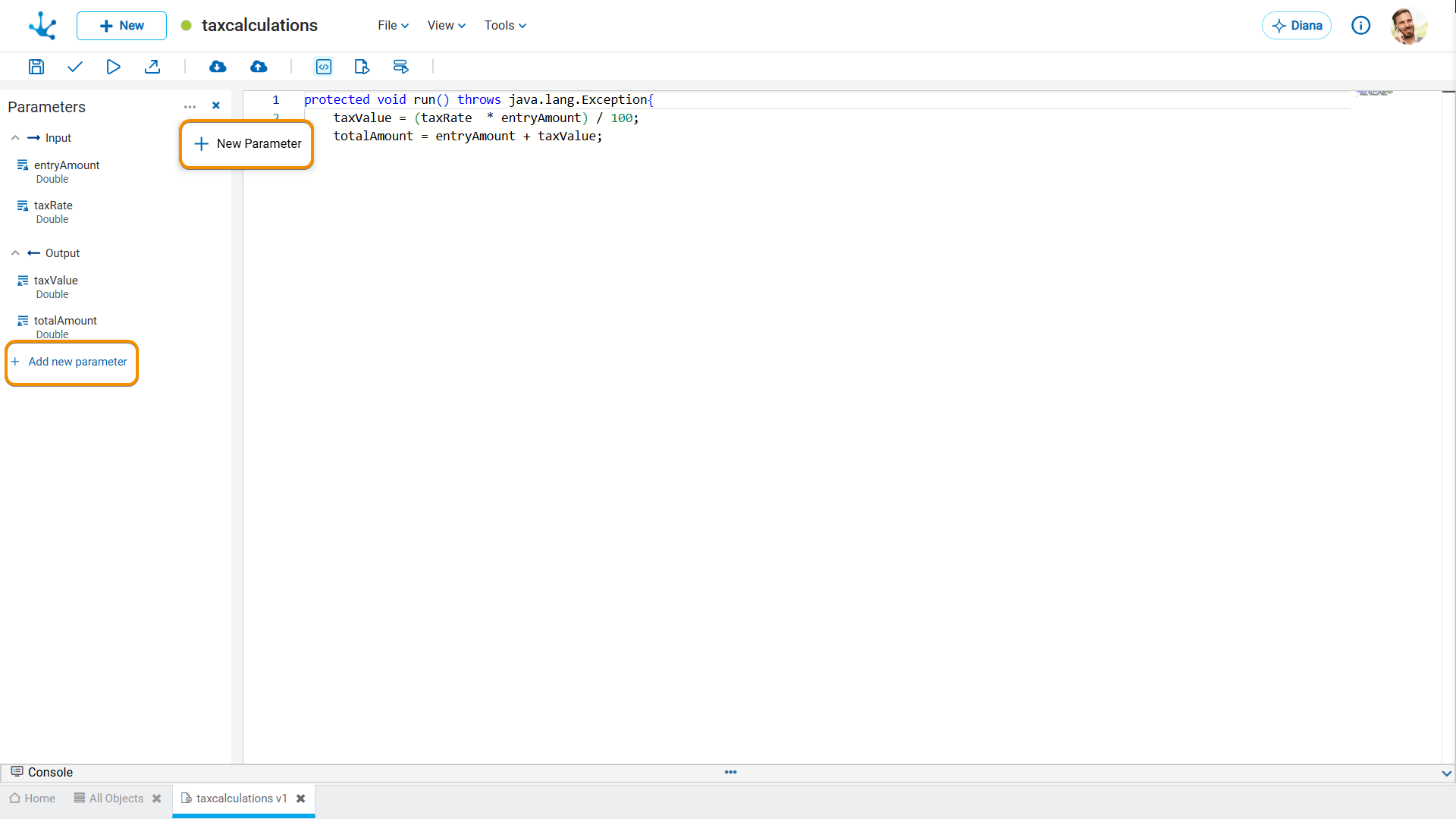
Properties
Name
Name the modeler uses to refer to the parameter.
Identifier
Uniquely identifies the parameter. It is used within Java programming code.
Type
Specifies if the parameter is input  or output
  .
.
It can be any type of Java object allowed in Deyel, either a primitive (integer) or an array.
The type wizard, while typing, gives the most common data type values to use.
By placing the mouse over the data type in the grid, the complete data type can be displayed, to help.
Description
Describes the parameter use. Its writing when modeling the parameters is optional.
If it was entered, the colored icon is displayed in the grid, in the Name column  , otherwise the icon is colorless
  .
.
Placing the cursor over the icon shows the help.
Predefined Parameters of Rules Related to Fields
When a rule is related to a field, the following parameters are displayed on the view:
•Input
This input parameter defines the search and pagination criteria for obtaining the data. The parameter is of type RuleRelationInput and that object contains the following attributes:
- likeValue: Value entered into an autocomplete field, used as a criterion to filter the possible output values.
- page: Number of the requested results page.
- pageSize: Number of results to display per page.
- currentValues: List of codes previously selected in a field related to the rule, avoiding the repetition of values already chosen.
• Output
This parameter returns the results organized into pages. The parameter is of type RuleRelationOutput and that object contains the following attributes:
- results: List of results retrieved for the relation. Each item in the list is an object of type RuleValue.
- pagin: Set of pagination attributes that allow navigation between results.
RuleValue Object
Each option in the results list is a RuleValue object, and that object contains the following attributes:
- code: A unique identifier for each value.
- value: Description of the value.
Pagin Object
The Pagin object handles the organization of results across multiple pages, and that object contains the following attributes:
- page: Current page.
- pageSize: Number of results to display per page.
- pages: Total number of pages available.
- total: Total number of results.