
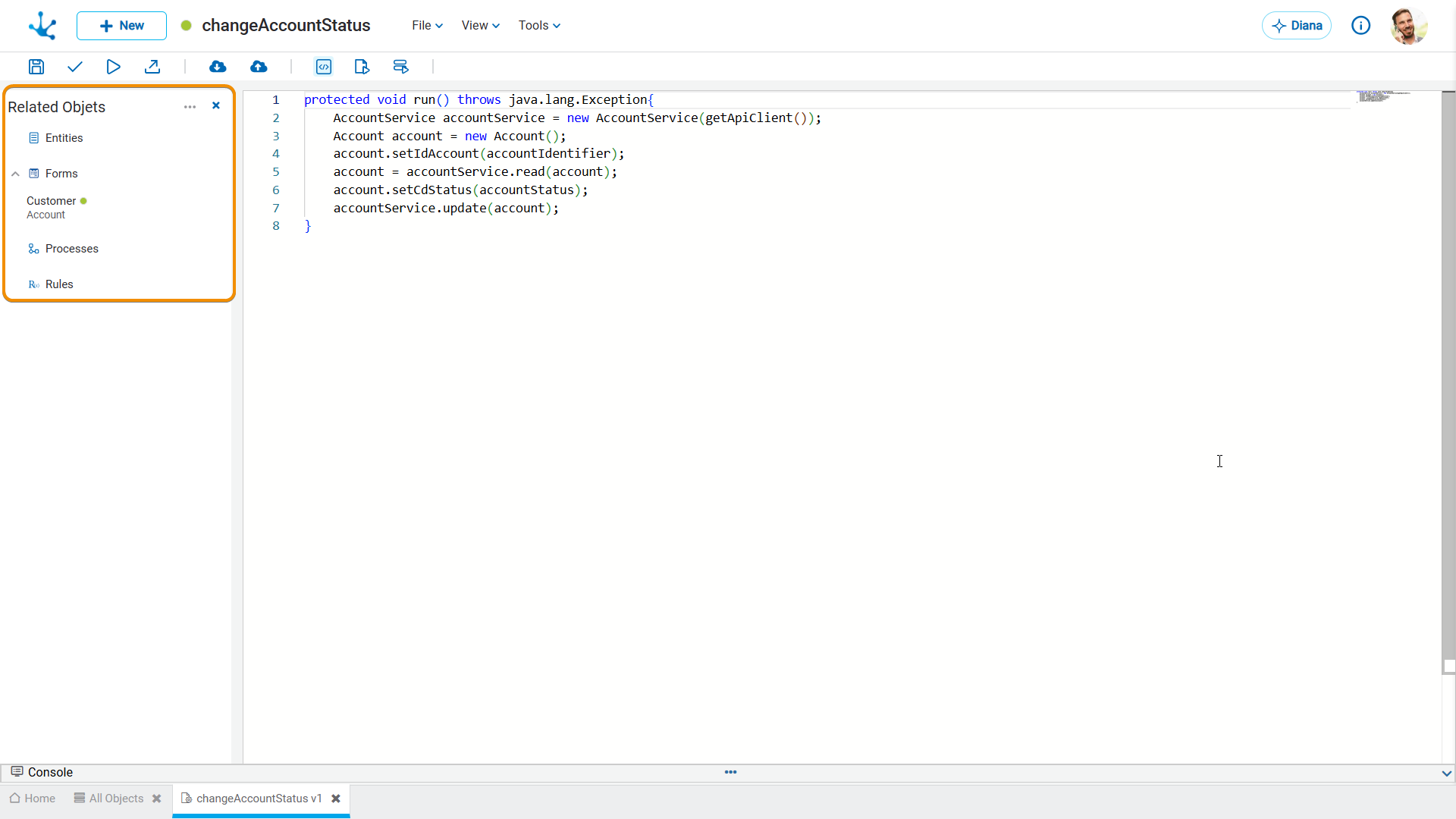
Related Objects


This view allows associating the rule with the objects of Deyel with which it will interact. These views play a fundamental role in the modeler user's experience, as they facilitate the quick understanding of the objects with which the rule interacts and how its functional interface is structured.
The creation of a relation using the object wizard allows to:
•Use the model and service classes of the related object from the rules modeler, without having to depend on a Java IDE.
•Keep the Java import statements of related objects automatically updated, regardless of whether they have been modified after the relation was created.
In the event of significant changes to the related objects used in the rules at the time of publication:
•Java import statements in the rules that use them are updated. Rules remain in the same state they were in, with updated modification date.
•Verify that the rule using them is not in a modified state. If it is, its publication or unpublication is requested.
Related Objects View
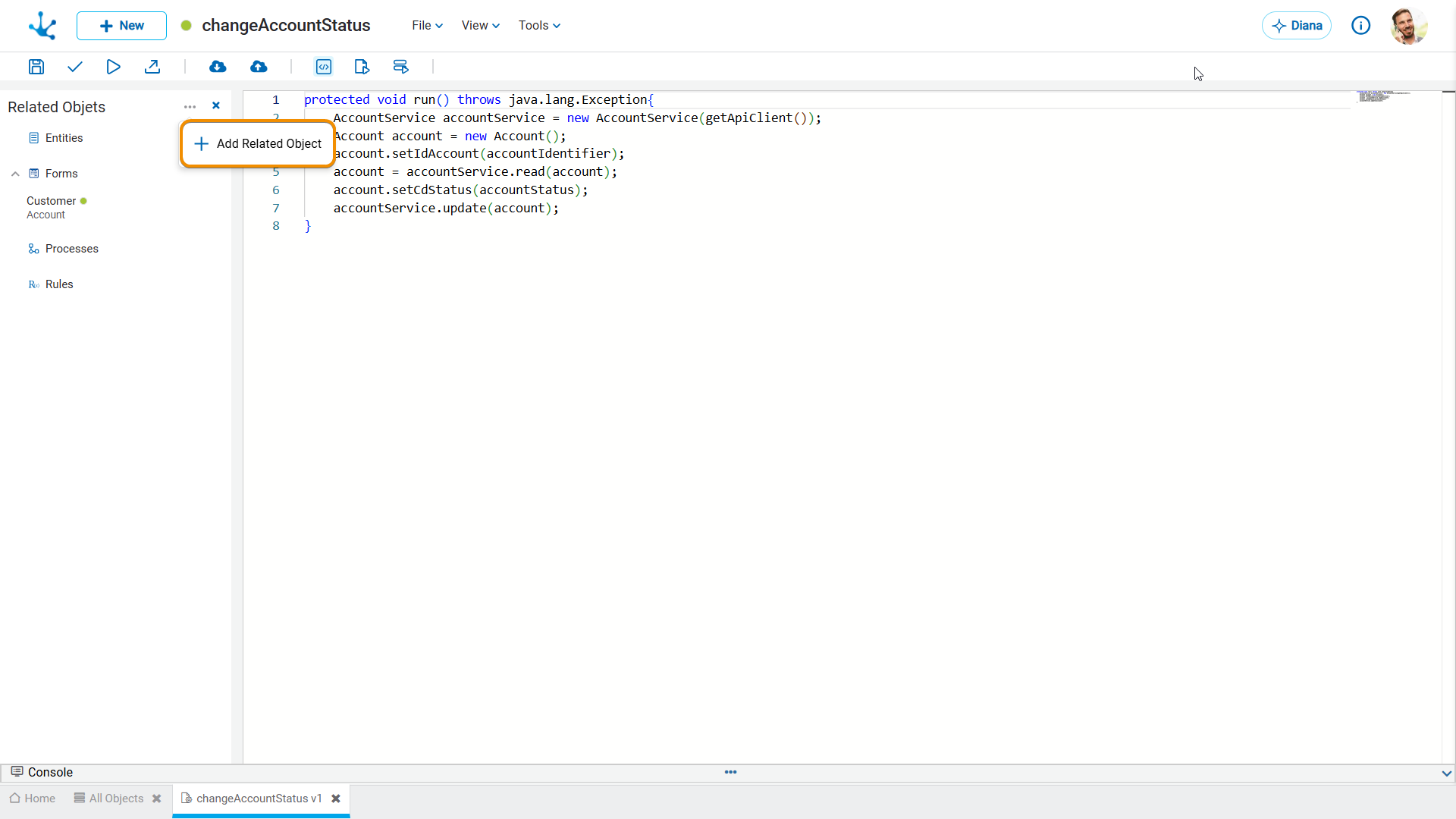
By placing the mouse over each object, the following operation are enabled:
 It allows deleting an object.
Creating a Related Object
 It allows adding a new related object to the view by filling in all its values.
Properties
Type
Indicates the object type. It can be a form, process, entity or rule.
Object
Each of the above options allows linking the rule with different objects within it.