
Page Agent


This agent allows application pages to be generated in a simple, conversational way, interpreting the modeler user’s requests and proposing visual structures that are consistent with the application’s overall design.
Through the dialogue with Diana, the user can define the functionality, elements, and style of each page, without needing any design or programming knowledge.
Main Functionalities
•Conversational interaction to create pages, through a natural language dialogue with the agent, who guides the modeler user to gather the necessary information.
The user can also attach reference files, such as mockups, or images (Figma), for the agent to use as a basis during generation.
•Intelligent assistance with design and user-experience knowledge enables the agent to apply UX/UI best design practices and leverage the application's design system to generate pages that are visually consistent, functional, and accessible.
It proposes balanced structures, optimized layouts, and appropriate elements based on the nature of the page and its content, following best practices for pages modeling.
•Generation of 100% responsive pages that automatically adapt to different resolutions and devices, ensuring correct display in all environments.
•Addition of images to improve display in order to enhance the presentation of the generated page. If the required page contains image elements, the wizard can include sample images taken from the internet.
•Generated pages available within the platform, this enables editing, customization, and maintenance through the pages modeler.
Step-by-Step Guide for Using the Page Agent
1.Start interaction with Diana
From the applications modeler, the user can start the conversation with Diana to create a page, that automatically activates the page agent.
2.Describe the page to be generated and determine the application to be used.
The modeler user begins by indicating what type of page they want to create within the application and its purpose.
The agent may request additional information to understand its functionality.
3.Attach references (optional)
The modeler user can attach design files, such as images, html files, or even URLs. Reference documentation can also be added so that Diana uses it as a guide in generating the page.
4.Confirm the proposed design
The agent describes the sections of the page to be generated, with details of the elements within each one. In this way, the agent requires confirmation from the modeler user to begin generation.
5.Page generation
Once the necessary information has been collected, the agent automatically generates the page and presents it in the pages modeler in a new tab.
The page includes all the defined elements, organized according to design and usability best practices.
6.Preview and test
The user can preview and test the created page directly in the pages modeler, validating its behavior and visual consistency before its final publication.
Example
1.Home page for a banking application
The modeler user requests the following from the page agent:
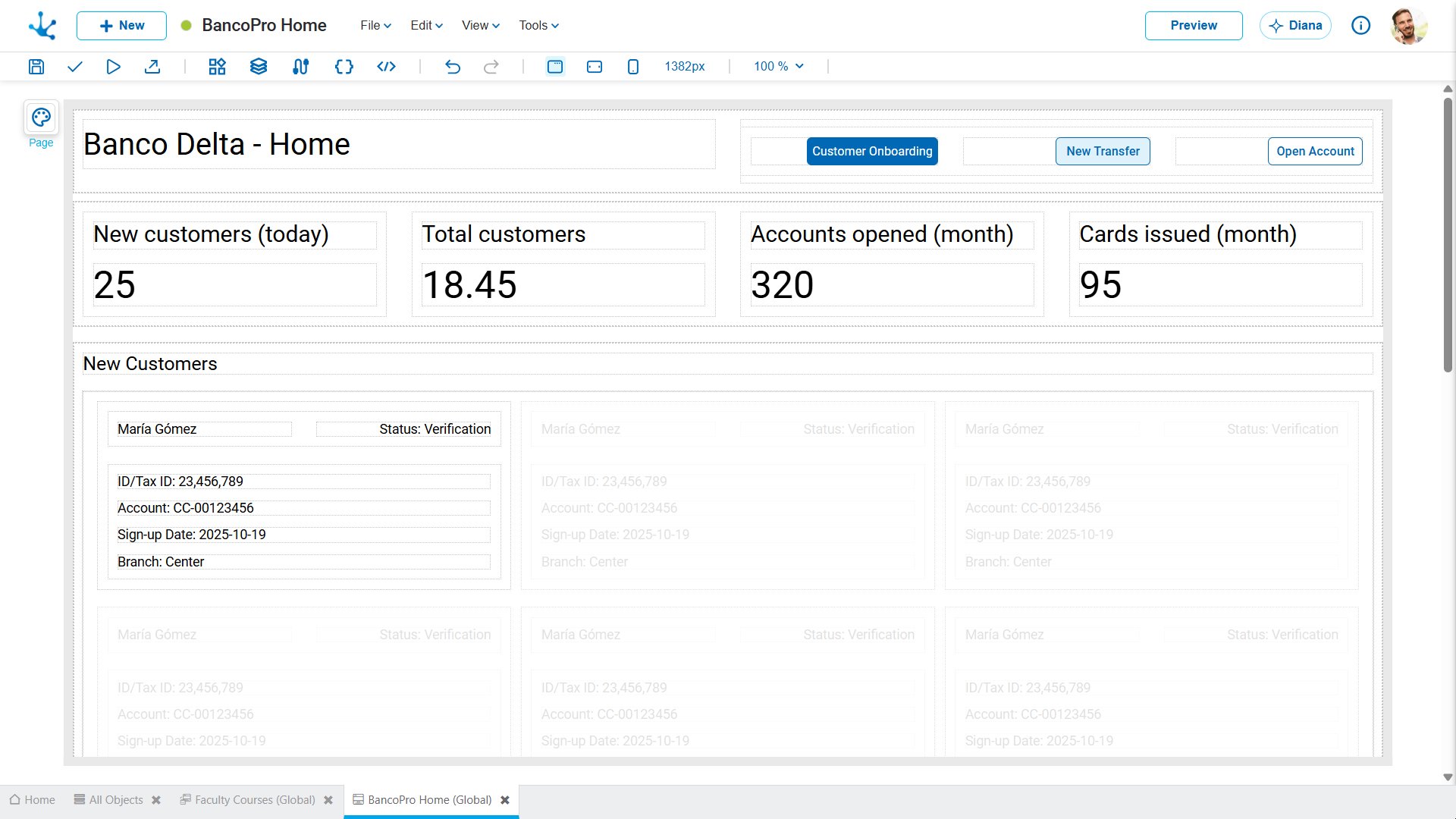
Generate a complete home page for a banking application, where it is possible to view new customer data, create new customer records using buttons, and see the latest money transactions, among other operations.
The agent creates a page with the requested structure, including the elements necessary to display information, perform operations, and navigate between sections.
2.Home page for a ticketing system administrator
The modeler user requests the generation of the page by entering the following message:
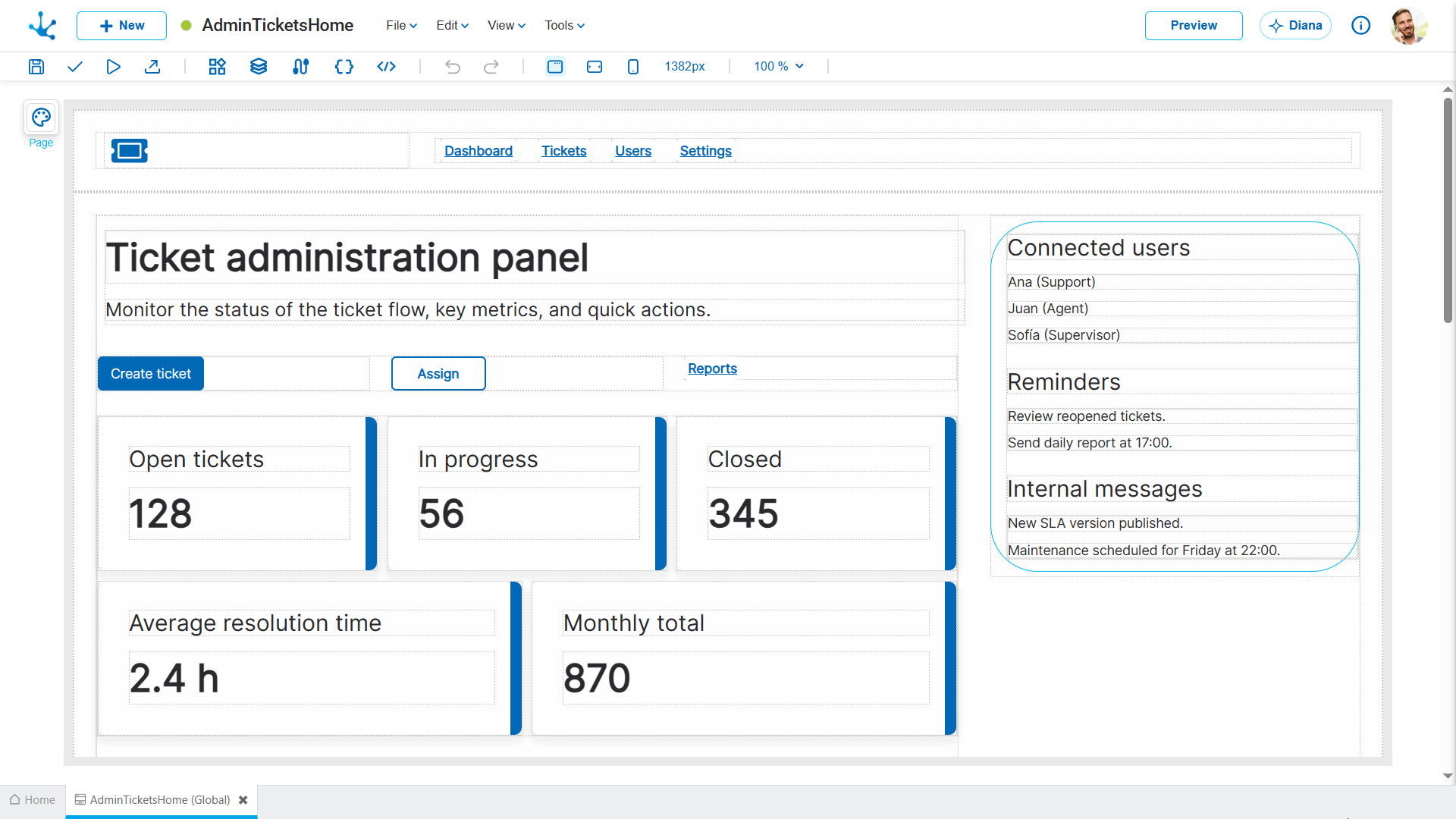
I want to generate a home page for a B2B ticketing application, so that the administrator can see all the relevant information for that type of application.
The result obtained is the page included below.
3.Welcome page for a telephone company
The modeler user sends the following message to the page wizard with a generation request:
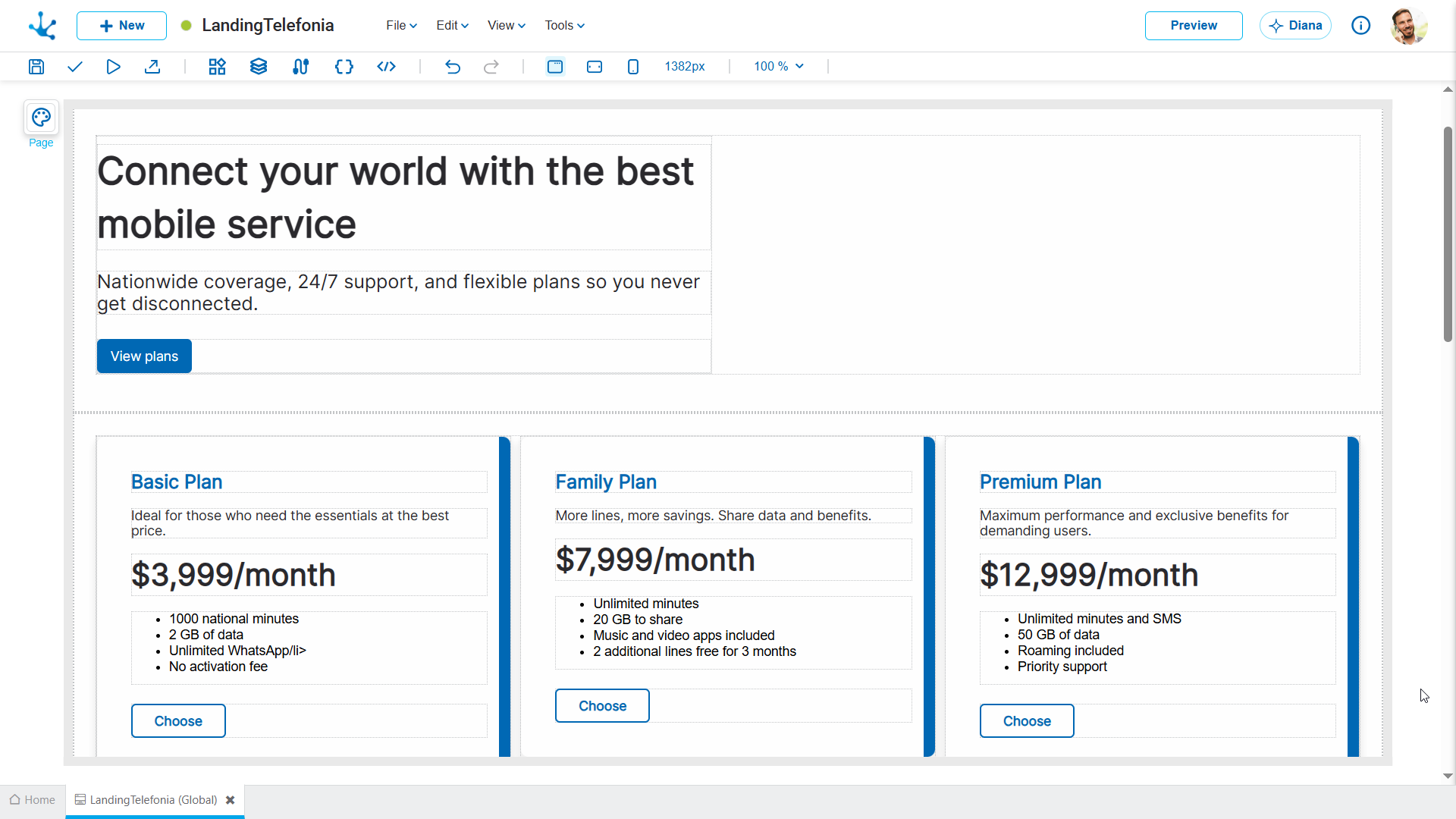
I need to create a welcome page for a telecommunications company, where the different plans offered are displayed, customer reviews are shown, a contact form is included, along with other elements that may be considered important to include.
The page generated by the specialist agent is like the one included below.
4.General pages
The modeler user sends the following message to the page wizard to create a page with general features within an application:
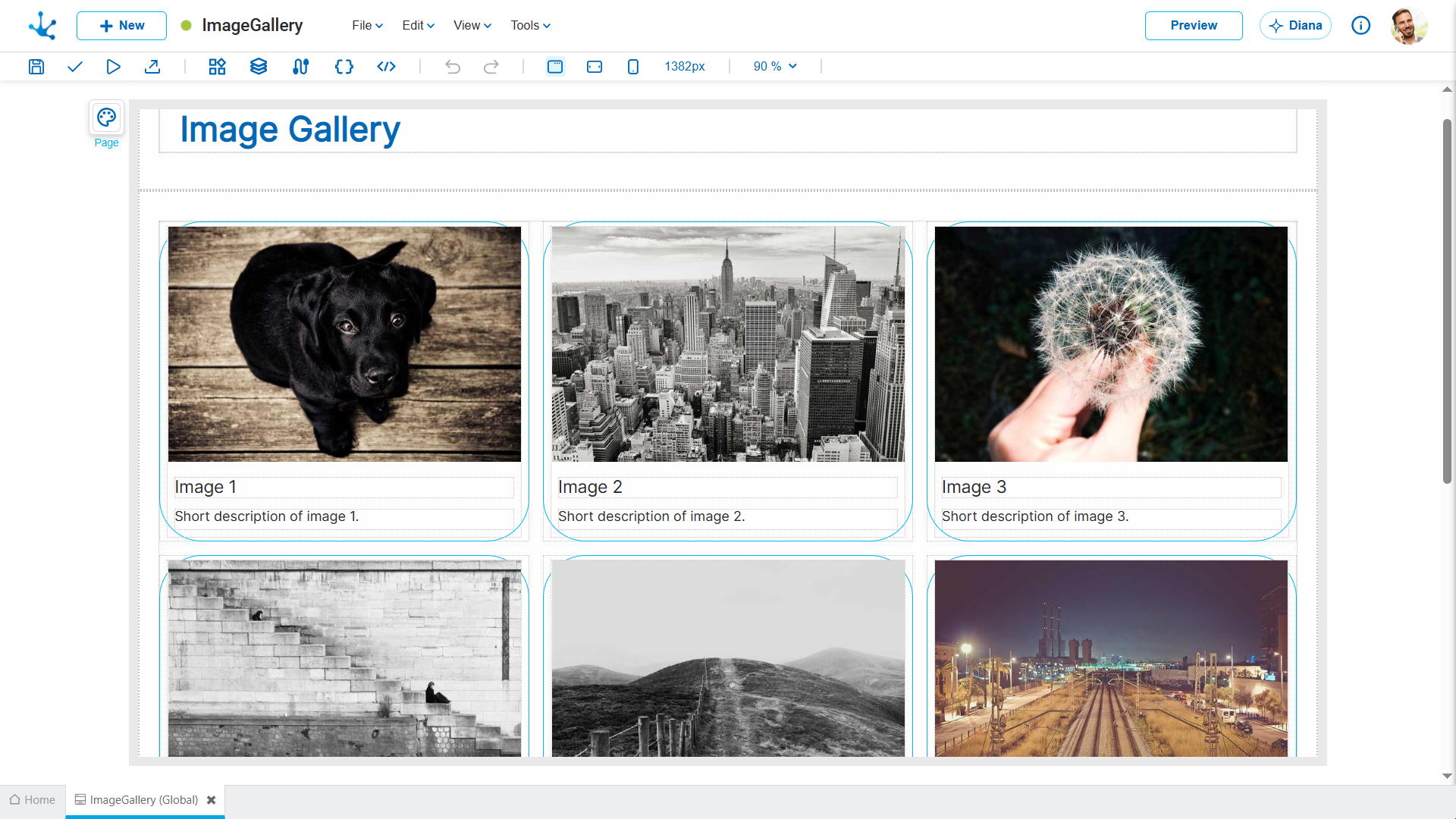
I need an image gallery to be generated, in a 3x3 grid format. Use random images.
The agent can create a page with the requested features.