

Context


Allows linking dynamic application objects and data for the agent to incorporate and interpret during its execution. Unlike static information, these sources provide real-time structured data that the model can consult or make decisions upon.
Context Sources Grid
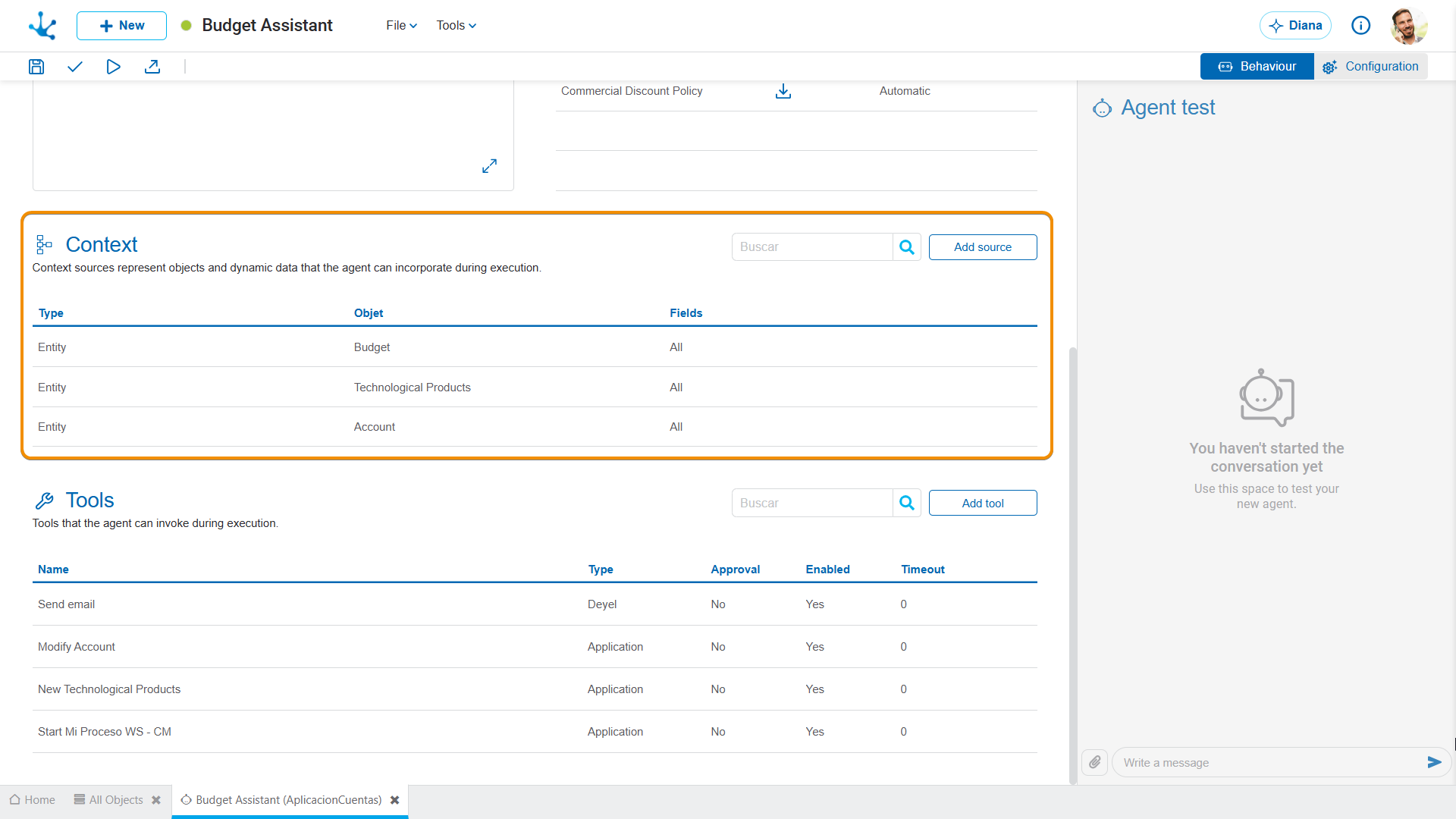
The interface displays a grid where configured context sources can be viewed, showing the element type, the referenced object, and the linked fields.
New Context Source
When pressing the "Add source" button, a pop-up window is displayed to parameterize the properties of the dynamic object to incorporate.

Properties
Context Type
Drop-down list to select the nature of the data source, for example "Entity".
Object
Drop-down list that allows selecting the specific entity or data structure required, for example "Comprehensive Record".
Available Fields
Multiple selector where those specific fields of the selected object that the agent can read and consume during the interaction are chosen.
Available Actions
•Cancel: Button to close the pop-up window without applying modifications.
•Save: Button to confirm and register the new context source in the agent's grid.