
Parameters


The second tab of the side panel corresponds to the rules parameter. This tab, visible only for rules of the JDBC and SOAP types, allows defining input and output parameters, which serve as the means of communication between the rules and the processes that use them.
Wizard to Create Parameters in JDBC Rules
 Allows to invoke the wizard available for JDBC type rules.
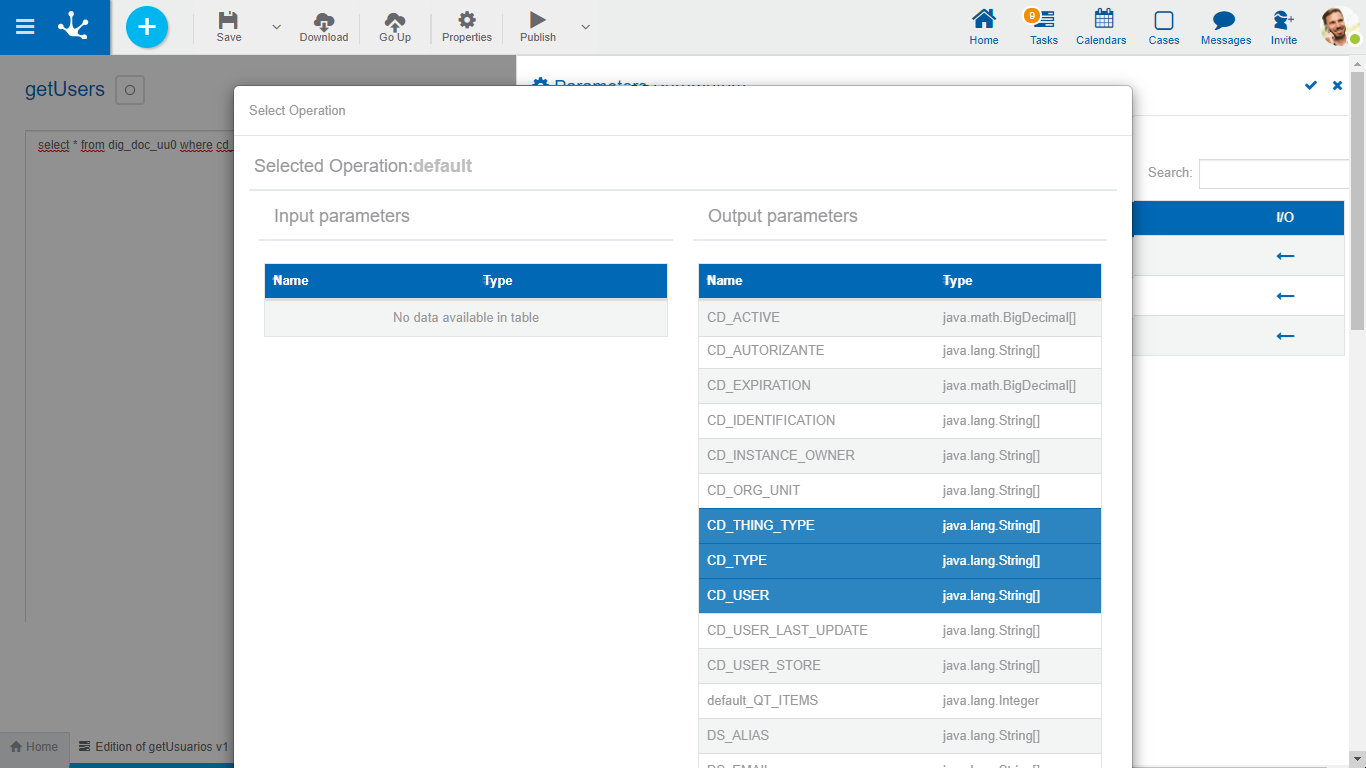
This wizard allows to select the parameters defined in the SQL statement as input parameters and the columns resulting from the query execution as output parameters.
In this way, the probability of errors is minimized by not having to manually transcribe the names of columns and parameters.
For the wizard to return results, it is necessary to define the SQL statement to execute before invoking it. If it were a Select statement, each input parameter should be preceded by a “?” mark. If executing a store procedure, the output parameters can also be specified, each of them should be preceded by an "@" character.
Wizard to Add Operations in SOAP Rules
 Allows to invoke the wizard available for SOAP type rules.
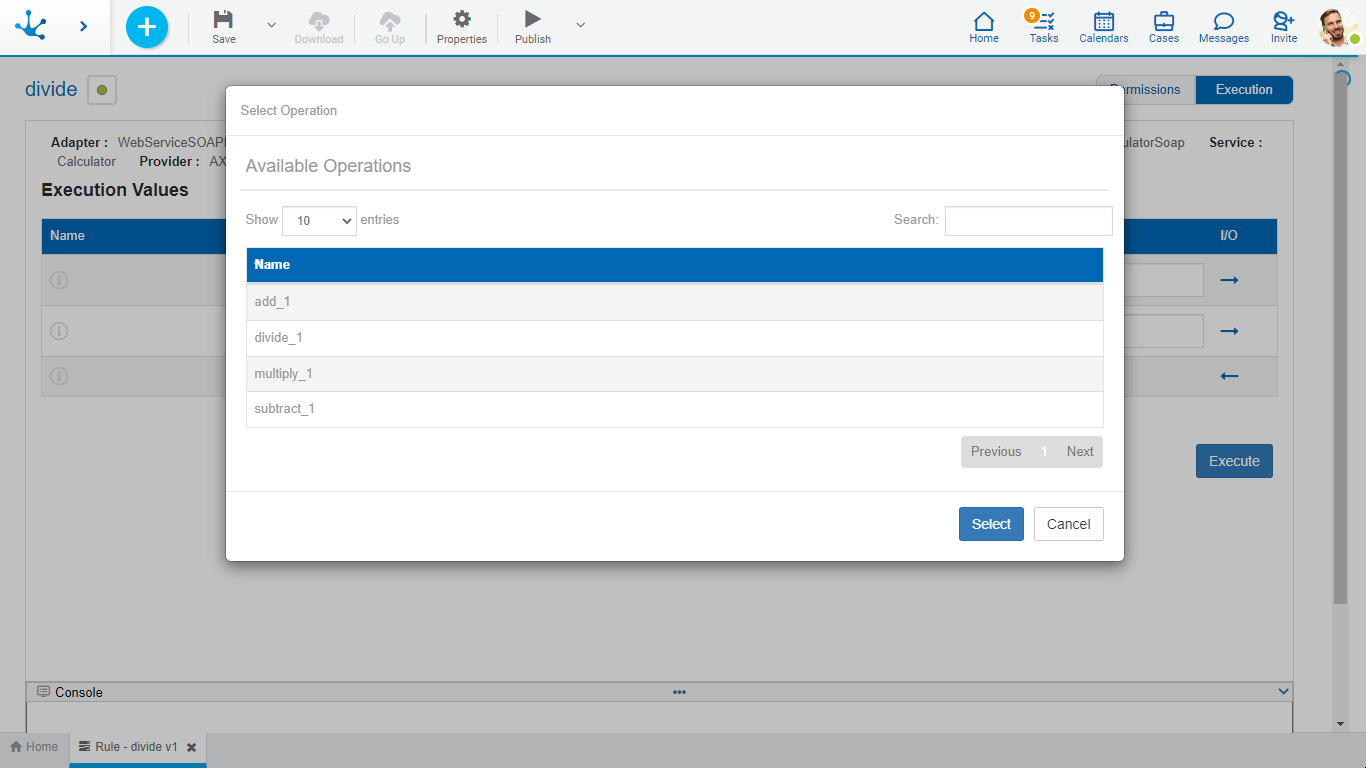
The wizard analyzes the adapter used and shows the operations available for such object, along with the input and output parameters for each one.
It allows to select the operation that is executed by default and its parameters, to transfer them to the rule interface. In this way, the probability of errors is minimized by not having to manually transcribe the names of operations and parameters.