
Modeling Facilities


General characteristics of this modeler are specified below.
New Widget
The modeler user can design a new widget, that after being published, is available to be used on an application dashboard or a user dashboard.
Steps for Creating a New Widget
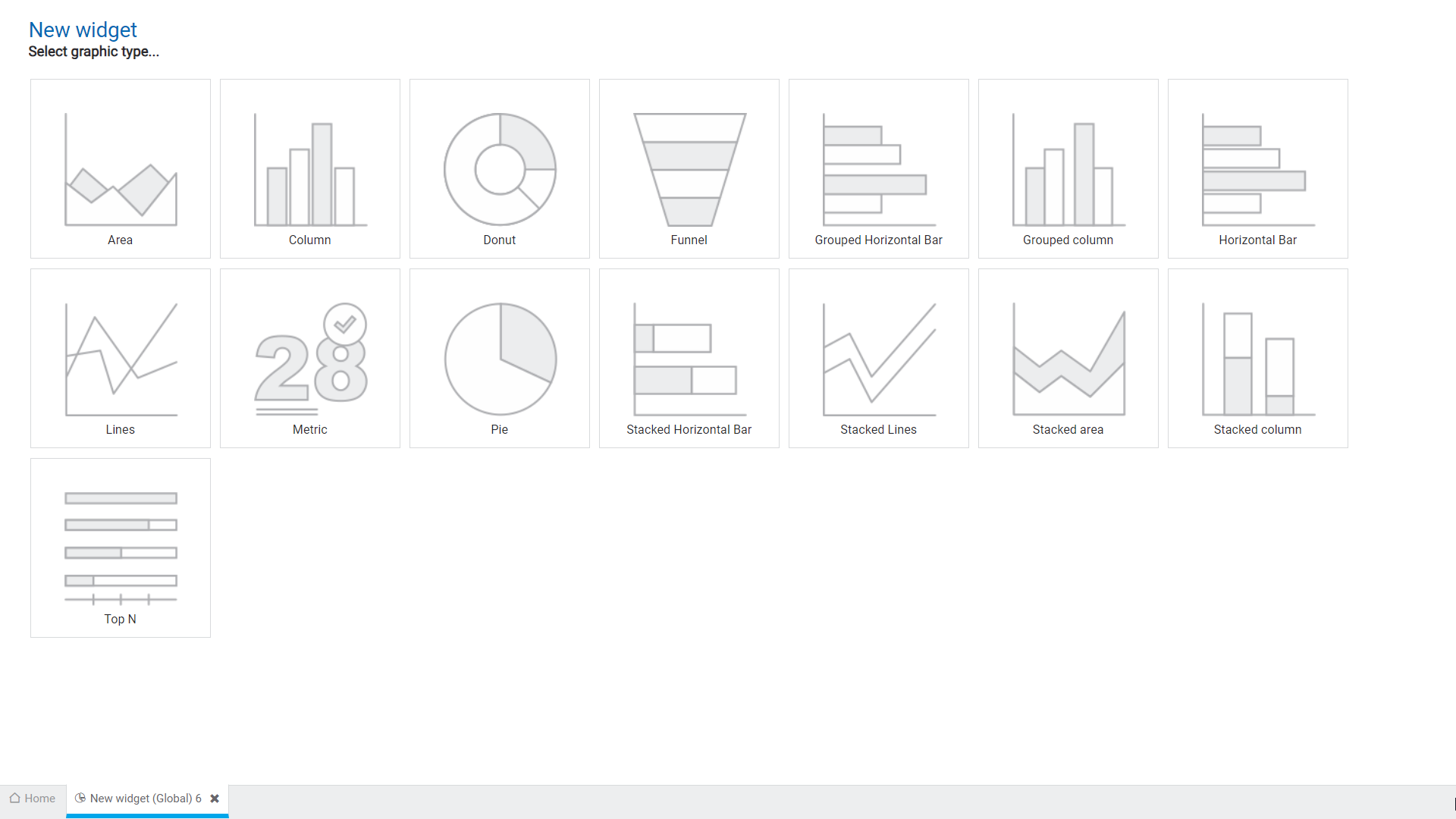
Step 1
Select the graphic type.
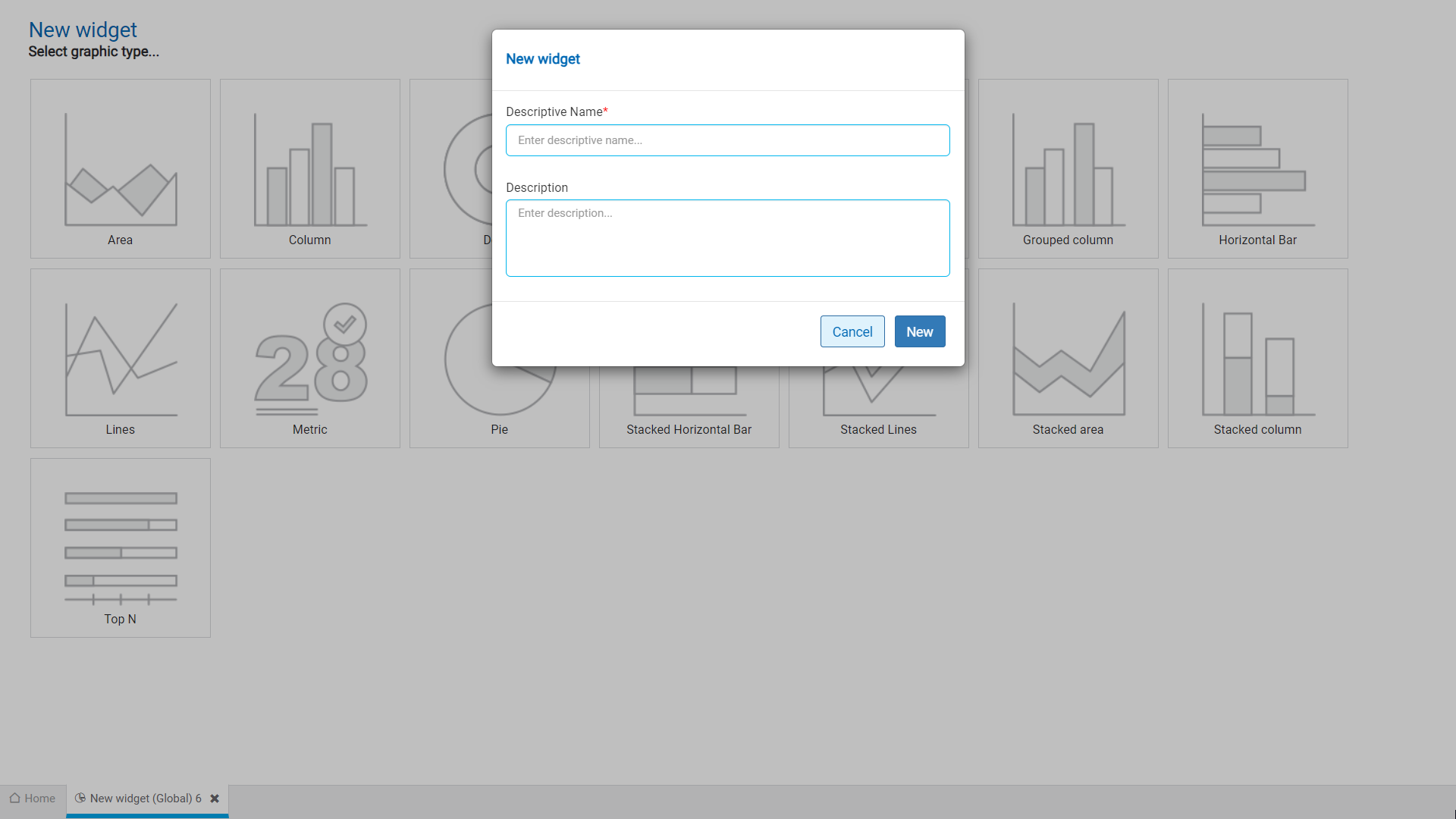
Step 2
Assign the name, optionally write the description and press the “Create” button.
Step 3
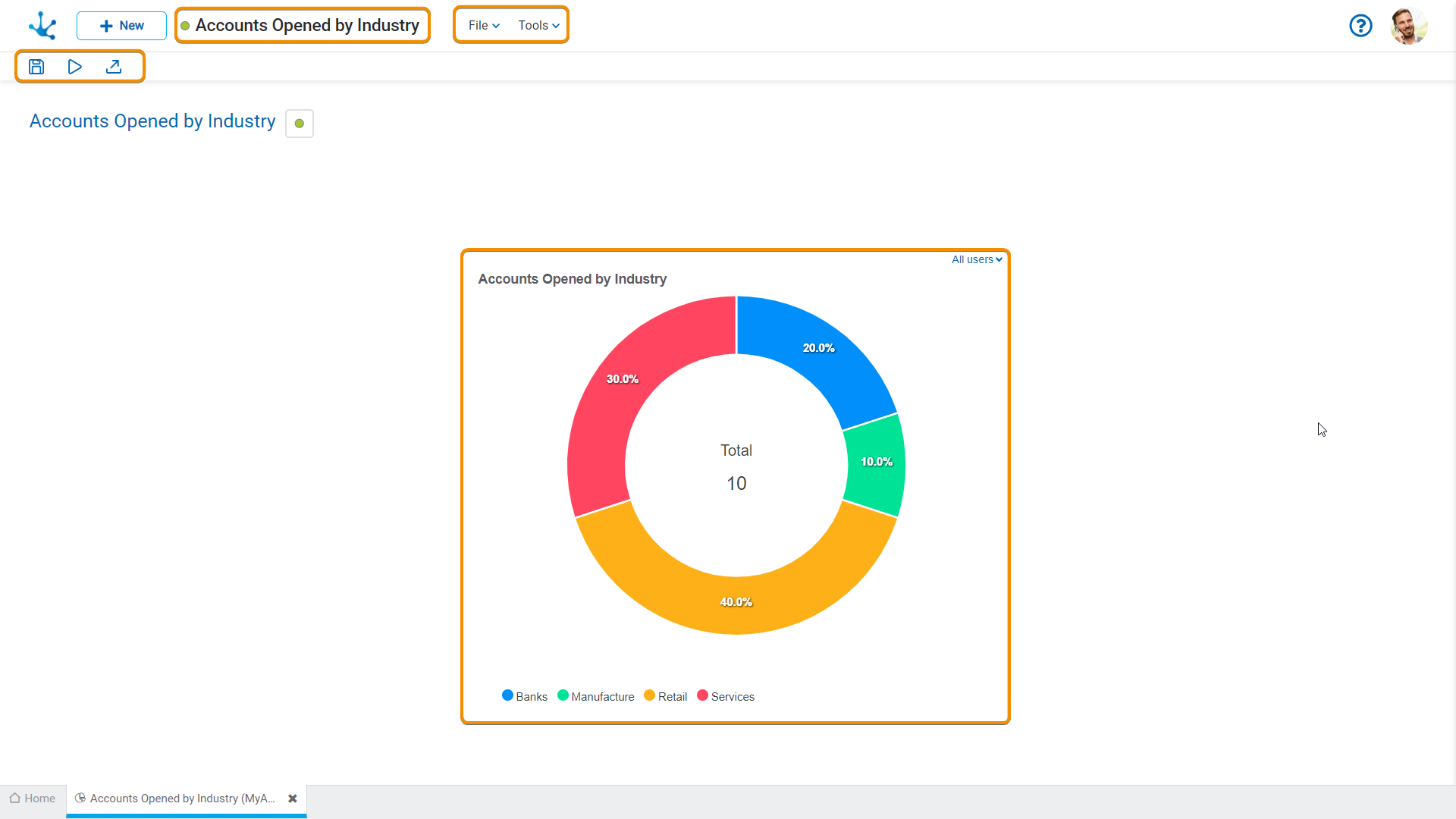
Complete the widget using the sections of the workspace.
Workspace Sections
•Widget Information
-  State
State
- Name