

Artifact


They are shapes that improve the expressiveness of diagrams, representing data related to the process but with no influence on performance.
"Artifacts are used to provide additional information about the process."[Workflow Management Coalition]
Visually groups shapes in the diagram.
Pie Chart Menu
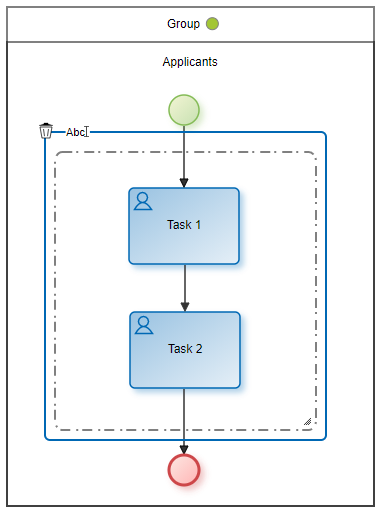
|
Deletes the group. |
|
Opens an area for editing the name. |
|
Displays the list of graphic elements available to add. |

Context Menu
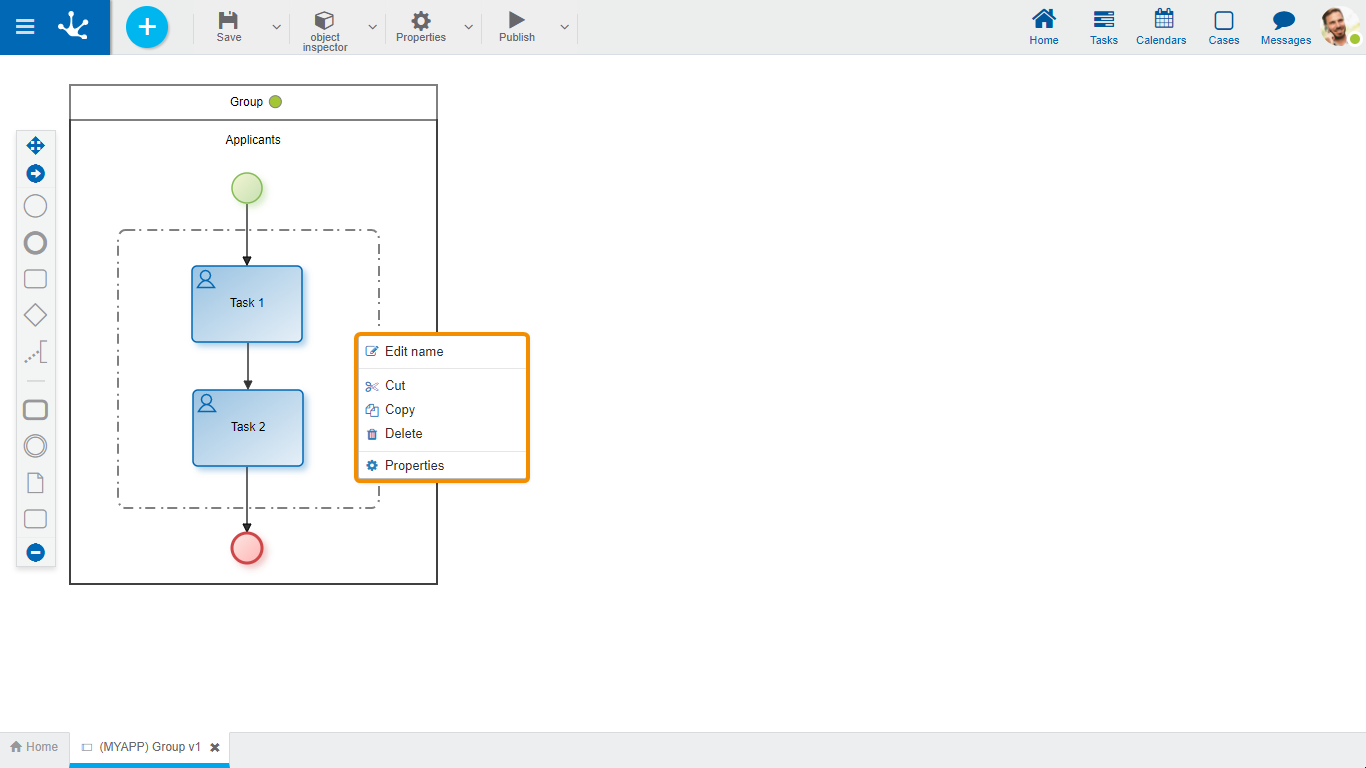
- Edit name: Edits the group name. Same functionality as the icon  .
.
- Cut: Deletes the selected group keeping the shapes it groups. It can be pasted in another process location.
- Copy: Copies the selected group. It can be pasted in another process location. It does not copy the elements it groups.
- Delete: Deletes the selected group keeping the shapes it groups. Same functionality as the icon  .
.
- Properties: Opens the properties panel to show or modify.
Area where the modeler can write explanatory texts.
Pie Chart Menu
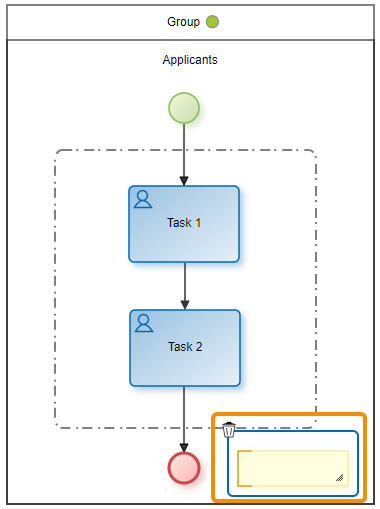
|
Deletes the selected annotation. |
|
Opens an area for editing the text. |
|
Displays the list of graphic elements available to add. |
Context Menu
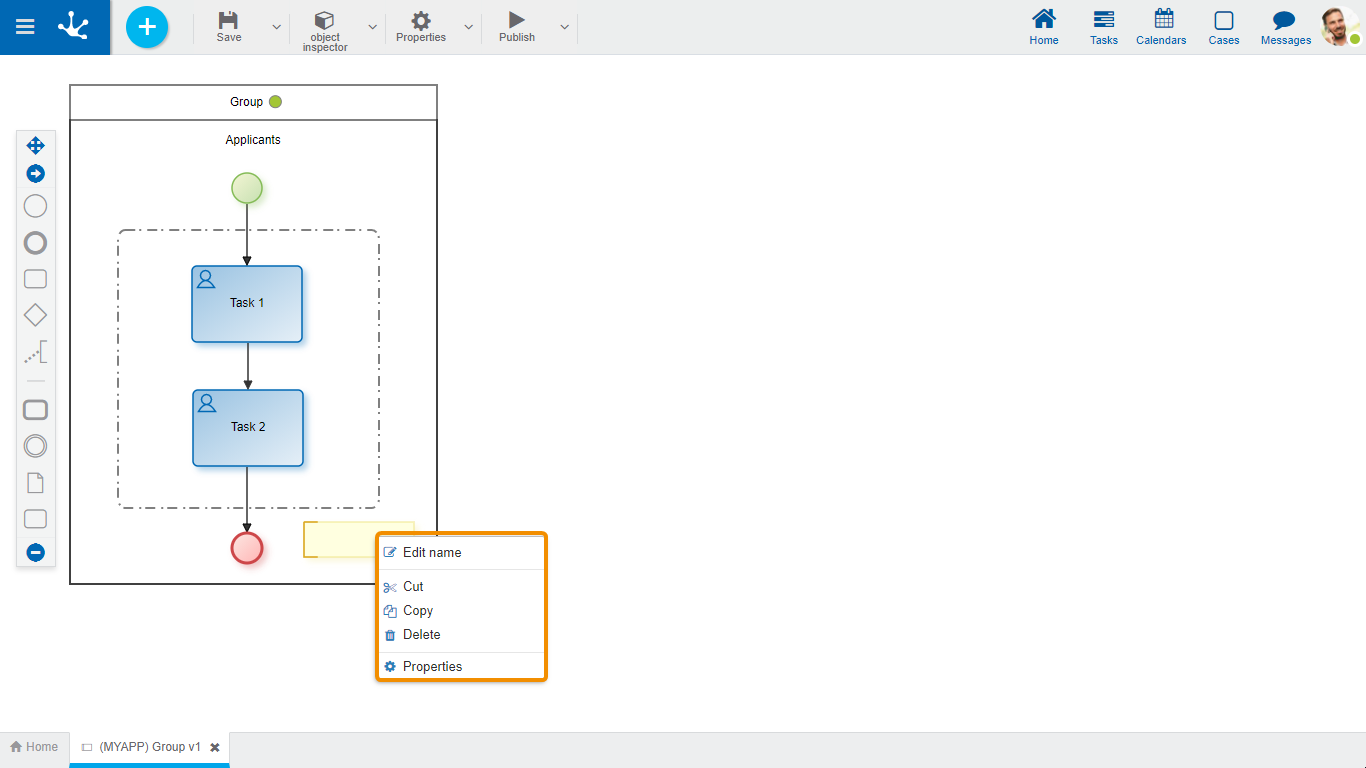
- Edit name: Allows to edit the annotation text.
- Cut: Deletes the selected annotation. It can be pasted in another process location.
- Copy: Copies the selected annotation. It can be pasted in another process location.
- Delete: Deletes the selected annotation. Same functionality as the icon  .
.
- Properties: Opens the properties panel to show or modify.
Represents the information that accompanies the process circuit or is generated during it, such as documents or notifications.
Pie Chart Menu
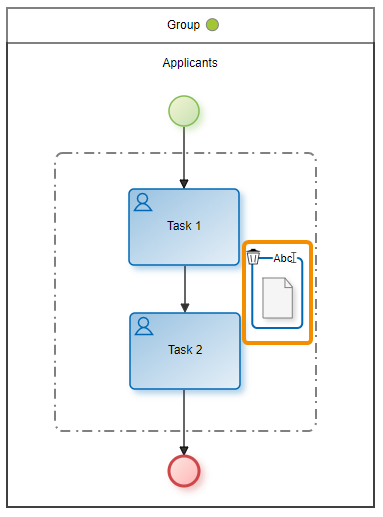
|
Deletes the selected data object. |
|
Opens an area for editing the name. |
|
Displays the list of graphic elements available to add. |
Context Menu
- Edit name: Edits the name of the data object. Same functionality as the icon .
- Cut: Deletes the selected data object. It can be pasted in another process location.
- Copy: Copies the selected data object. It can be pasted in another process location.
-Delete: Deletes the selected data object. Same functionality as the icon .
- Properties: Opens the properties panel to show or modify.