
Modeled Page


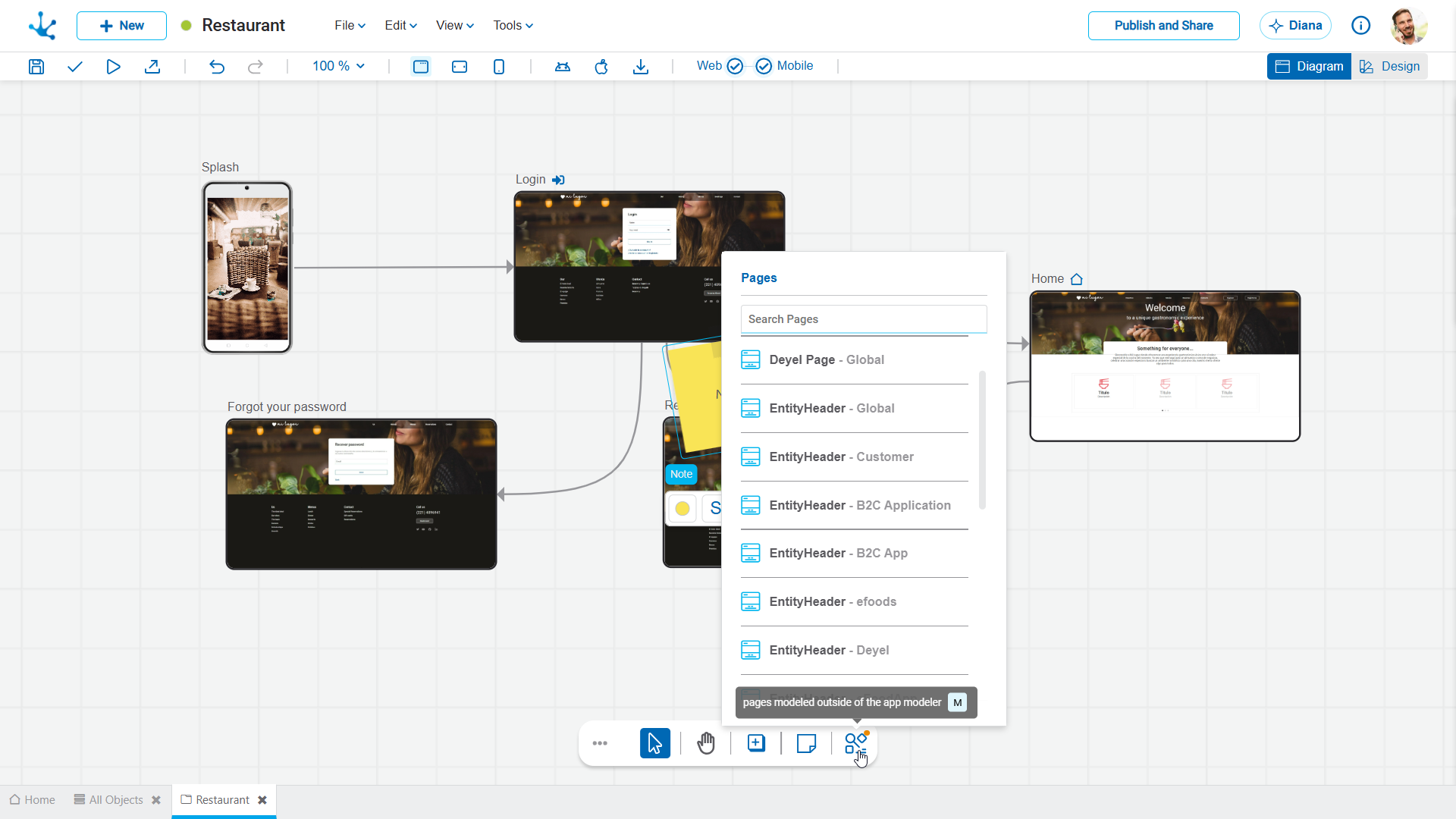
It allows incorporating a previously modeled page that does not belong to the application into the graphic modeling area. Clicking the icon displays the list of available pages. If a page is selected from the list, it is automatically inserted into a default location and can then be moved manually to the desired position. Alternatively, the page can be dragged directly from the list to the preferred position.
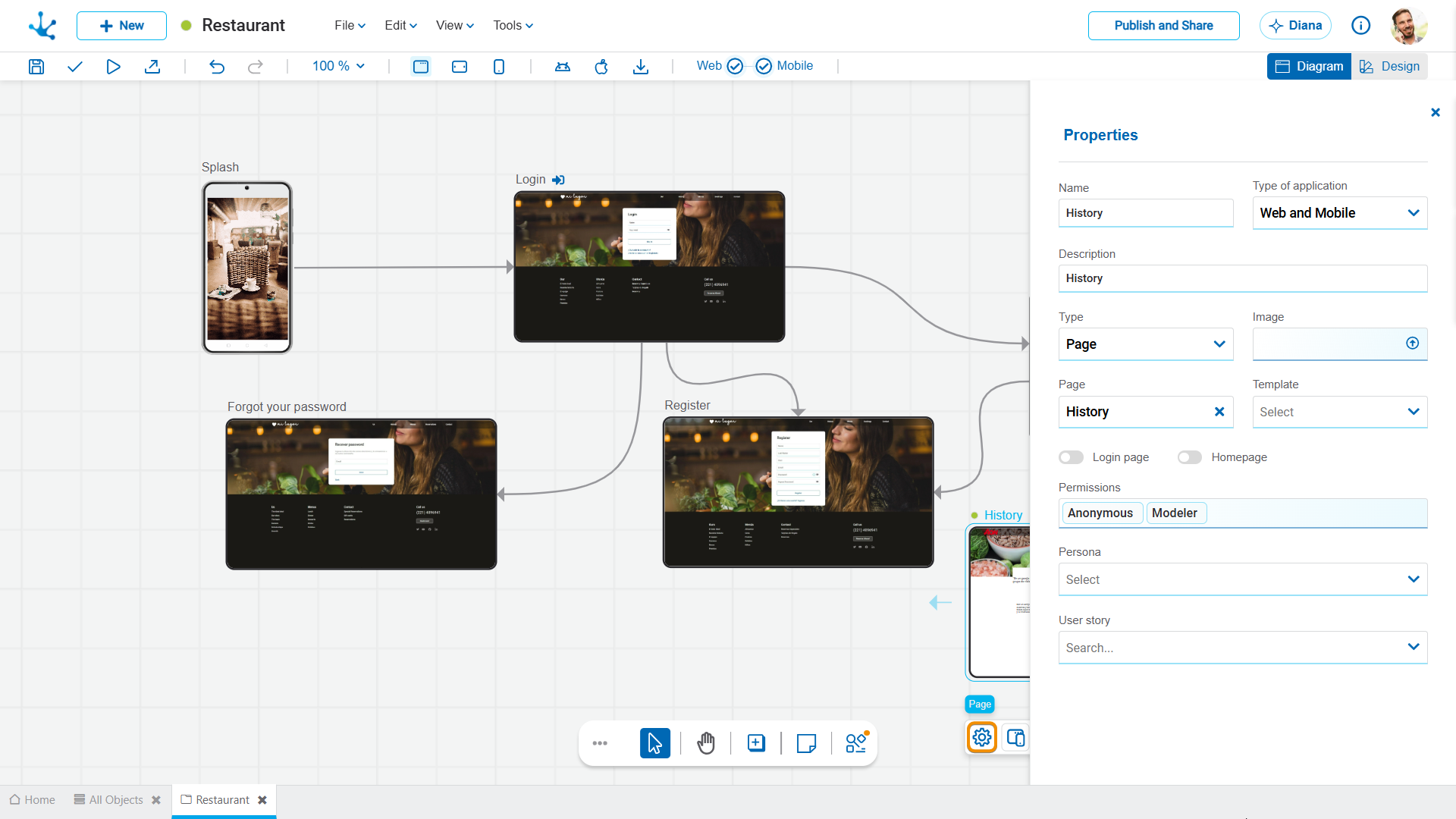
Once the page is located in the graphic modeling area, it uses the same context menu as the pages that were created and linked to the application. Its properties are automatically filled with the values from the selected page.