
Elements


Within the "Elements" tab of the left panel, subtypes are configured to standardize the behavior and appearance of user interface elements.
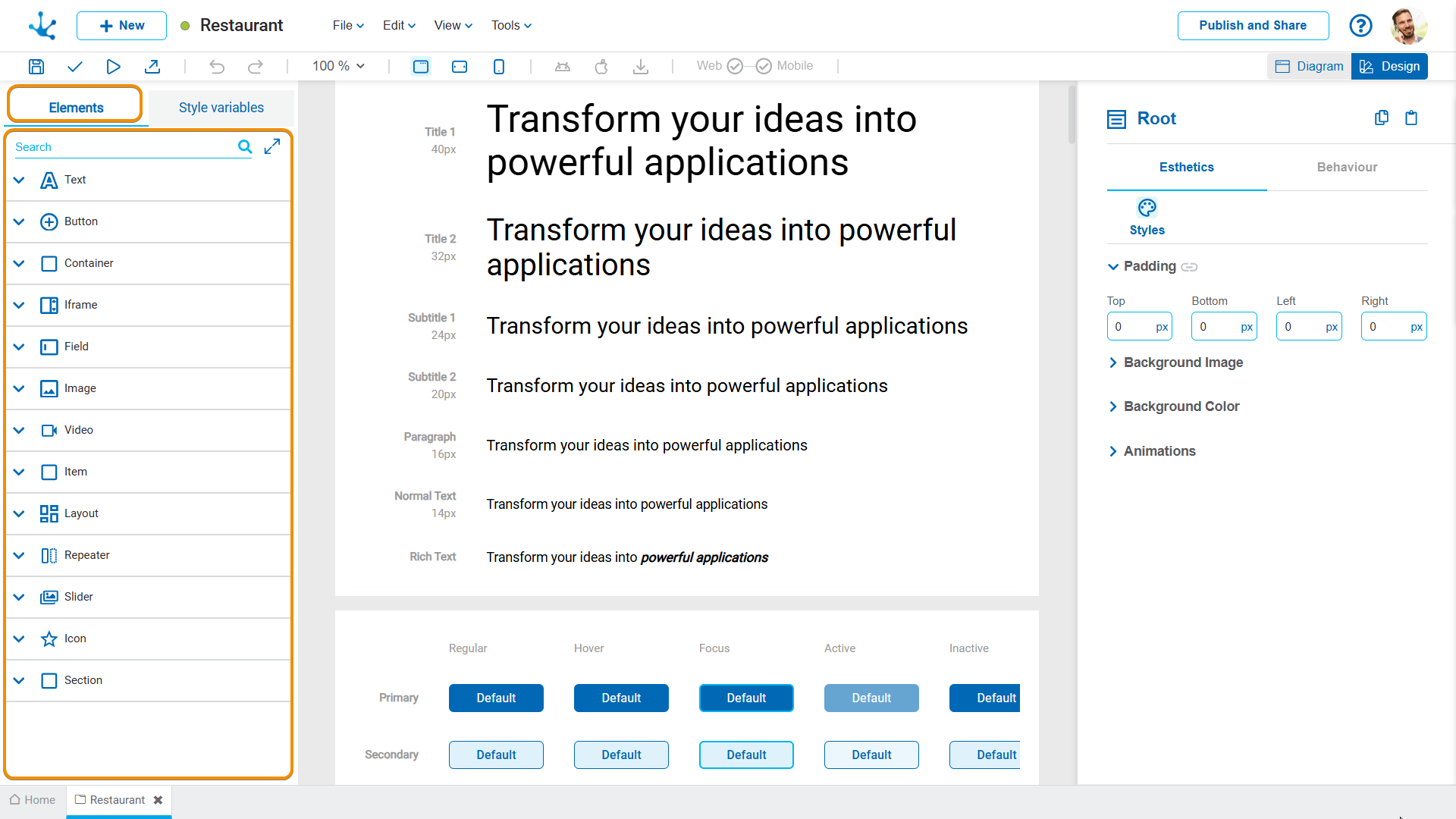
For the different types of elements in the design system of Deyel, their subtypes must be reviewed or configured, by defining their properties, such as color, size, spacing and hierarchy, in accordance with the application’s visual identity.
Text
•Check the hierarchy of texts on the pages and configure the design system to match.
•Verify that the fonts match the defined typographic variables.
•If the default text subtypes are not sufficient, new ones can be built by assigning them a name and a clear description.
Button
•Define the width and the style of the buttons.
•Check the font used.
The procedure for configuring the subtypes of buttons is similar to that of texts.
Field
•Define working width. For example, 12% or 100%.
•Detect the most representative field to take it to the SD.
•It is essential to verify that the subtypes are not in a "modified" state on the pages; if so, the modified property should be reviewed and the subtype reassigned or the modification standardized in the SD if it is valid.
Other Types of Elements
For the remaining element types, the same principles of review, identification, and subtype configuration described for texts, buttons, and fields must be applied.
Once an element has been identified, its properties can be copied and applied to the specific subtype in the design system.
New Subtype
A new subtype of an item can be created by clicking on the icon  of the selected base subtype.

When doing so, a panel opens that allows defining the name and description of the new subtype.

Once created, the subtype must be configured in the properties panel and the application published.
Repeat these steps for the subtypes that are not available by default in the design system panel, paying special attention to the styles configured according to the element type.